Decide Which Instructions Belong in the Household Set
A useful household instruction set contains actions people may need to take quickly, not every piece of information the household owns. The first sorting decision is whether a reader needs the instruction during an urgent event, shortly afterward, or only for routine administration. Putting all three categories into one oversized binder makes urgent material harder to locate and increases the chance that a reader will skip it.
Immediate instructions commonly cover shutting off water, gas, or electricity when appropriate; leaving the home; calling emergency services; responding to a fire alarm; caring for a dependent person; locating medication information; and contacting an agreed-out-of-area person. Recovery instructions might explain where insurance details, landlord contacts, school information, appliance manuals, or copies of identification are stored. Routine material can remain in a separate household records file. Linking this system with storing critical instructions where every household member can find them keeps the central question visible: what does a person need to find and do?
A practical test is to remove any page that does not change a decision or action. “Know the neighborhood evacuation route” is too vague for a critical page. A stronger entry names the destination, the route options, the meeting place, and the person responsible for checking on a particular household member. Likewise, “turn off the utilities” should identify the location of the shutoff, the tool required, and any caution that makes the action inappropriate for an untrained person.
Do not place sensitive information beside general instructions merely for convenience. A page showing how to leave the home can be broadly accessible; a page containing account numbers, alarm codes, or detailed medical information may need restricted storage. The tradeoff is simple: maximum visibility improves speed, while unlimited access can expose private information. Separate public-use emergency actions from confidential records, and tell household members where the restricted material is kept.
A compact priority list
- Immediate action: exit routes, meeting locations, emergency contacts, utility locations, and care instructions.
- Time-sensitive follow-up: school or workplace contacts, medication lists, insurance contacts, and pet arrangements.
- Routine reference: warranties, manuals, maintenance notes, and long-term records.
The common failure is collecting information without assigning it a purpose. Each critical page should answer who acts, what they do, where the item or control is located, and what condition changes the next step.

Choose Locations That Remain Findable Under Stress
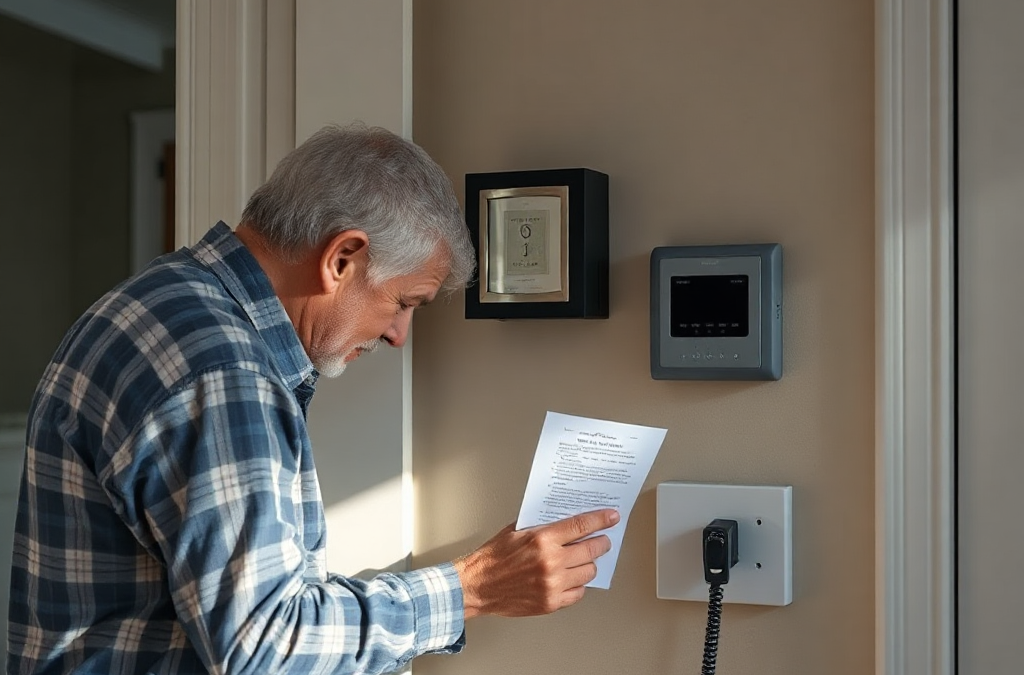
The best location is not necessarily the safest-looking storage spot; it is the place a household member will remember and reach without asking for help. A primary copy often belongs in a visible, consistently named location near a normal traffic area, such as a labeled holder by the main exit or a household information station. The exact placement depends on the home, but the location should be fixed rather than moved between rooms.
Use a second physical location when one hazard could make the first inaccessible. For example, instructions stored beside the kitchen may be hard to reach during a kitchen fire, while a copy in a bedroom may be inaccessible if a nighttime evacuation begins elsewhere. A duplicate near an alternate exit, in a vehicle, or with a trusted nearby relative can provide resilience, but too many copies create a different problem: people may not know which version is current. Mark one copy as “Current Home Copy” and date every revision.
Visibility also involves height, lighting, language, and physical reach. A folder inside a high cabinet does not serve a short household member or a person using a mobility aid. Small gray text is difficult during a power outage, and a locked container may be unsuitable for instructions needed by a teenager or overnight caregiver. Place a flashlight or other dependable light source nearby, but do not assume a phone will be charged or connected.
Think through a realistic scenario rather than choosing a location abstractly. If a visitor must help an older adult leave the home, can that visitor recognize the holder? If a child is home with a babysitter, is the meeting place stated in terms the sitter can use? If smoke blocks the usual hallway, does the alternate copy remain reachable? These questions reveal whether a location is genuinely findable or merely tidy.
A digital file can supplement a physical location, but “it is somewhere in the family cloud” is not a retrieval plan. Give the file a distinctive name, place it in a shared folder, and explain how to access it. Avoid relying on a single household member’s phone, email account, or password manager. Digital convenience is useful for remote family members; paper remains valuable when batteries, networks, or authentication are unavailable.
Design Pages People Can Use Without Coaching
Critical instructions should be written for a reader who is hurried, unfamiliar with the home, or upset. Use direct verbs, short steps, ordinary words, and visible labels. “Water shutoff: basement, ceiling pipe beside the furnace” is more useful than “Main valve located in utility area.” If a control requires a special tool, show the tool’s location and add a small photograph or diagram when the image makes identification easier.
Each page should have one clear job. A utility page can identify shutoffs and cautions; an evacuation page can show exits, meeting places, and transportation responsibilities; a care page can list essential needs, allergies, preferred communication methods, and the location of supplies. Combining all of these into a dense narrative forces the reader to extract the relevant action at the worst possible time.
Use consistent page features without making the document visually busy. A strong page normally includes a descriptive heading, the situation that triggers action, numbered steps, a location or contact detail, and a date reviewed. Highlight differences that matter, such as “Do not use the elevator” or “Call the caregiver after reaching the meeting place.” The point is not decoration; it is reducing the number of decisions a reader must make.
Accessibility should be treated as an operating requirement. Provide large enough type, strong contrast, translations where needed, and wording that does not depend on color alone. A household member with hearing loss may need text instructions rather than an assumption that an alarm will be heard. Someone with limited literacy may benefit from photographs, symbols, or a practiced verbal explanation. Children can use a short version with the few actions they are expected to perform, while adults retain technical details.
There is a tradeoff between completeness and speed. A long explanation may prevent a dangerous misunderstanding, but it can bury the action. Put the action first and place explanation afterward. For example: “Leave by the front door. If blocked, use the rear door. Do not return for belongings.” A note about why the route was chosen can follow, but it should not delay the first instruction.
The frequent mistake is writing for the person who already knows the house. Ask someone who did not create the pages to locate the breaker, identify the meeting place, or follow the pet-care direction. Confusion, hesitation, or repeated questions are editing signals, not reader failures.
Maintain Paper and Digital Copies Without Creating Confusion
A storage system stays useful only when its instructions match the household’s current conditions. Changes to door locks, phone numbers, medications, school arrangements, pets, vehicles, or utility equipment can make a formerly accurate page misleading. Set a review point after any household change and conduct a broader check at a regular interval that people can remember.
Review the physical copy first because that is often the version used when time and connectivity are limited. Check that pages are present, legible, dry, and in the marked order. Confirm that the named meeting place still exists and that contact methods work. Test whether the flashlight, spare key, tool, or printed map mentioned by the instructions is actually beside the storage location. A page that directs someone to a missing item is worse than no page because it creates false confidence.
Digital copies need version control. Use one shared master file or folder rather than separate attachments circulating through family messages. Put the review date in the filename or first page, such as “Household Instructions—Reviewed March 2026,” and archive old versions outside the folder used in an urgent situation. If household members download copies, tell them how they will know a newer version exists.
Security deserves separate attention. A publicly visible sheet should not expose passwords, financial credentials, or unnecessary personal identifiers. Use contact names and phone numbers where they are sufficient, and store confidential records in a protected location with an access method that more than one trusted adult understands. A password-protected digital file is not a complete backup if only one person knows the password.
Paper and digital formats serve different failure conditions. Paper is immediately readable and independent of power, but it can be damaged, outdated, or left behind. Digital storage is easy to update and share at a distance, but it depends on a charged device, access credentials, and sometimes a functioning network. Keeping both is usually more robust than treating either format as universally reliable.
Use a small change log for meaningful revisions: date, page changed, reason, and person who checked it. The common failure is updating a phone contact in one place while leaving it unchanged on the refrigerator sheet, cloud file, and caregiver copy. A single master source and a deliberate replacement step reduce that drift.
Test the System With the People Who May Need It
A household instruction system is ready when people can find and use it without the creator narrating every step. A short practice session exposes problems that proofreading cannot. Ask each relevant person to locate the primary copy, identify the alternate exit, state the meeting place, and explain what they would do if the usual route were blocked.
Keep the exercise realistic but controlled. Do not simulate dangerous utility work, smoke, or medical treatment. Instead, use safe prompts: “The power is out and the phone battery is low—where is the paper copy?” or “A sitter is here and needs the contact sequence—what page should they use?” Observe whether the person searches, chooses an outdated duplicate, misreads a symbol, or depends on a locked device.
Different household members need different levels of information. An adult may need to know how to identify a water valve, while a child may only need to leave, go to the meeting place, and tell a trusted adult. A visiting caregiver needs location and contact information, not necessarily every household record. Assigning age- and role-appropriate tasks makes the system easier to remember and avoids giving an untrained person a technical action they should not attempt.
After the practice, revise the pages based on observed behavior. If someone cannot find the holder, improve the label or location. If a step causes hesitation, replace jargon with a photograph or a more precise landmark. If two people give different meeting places, remove the conflicting version immediately. A system that looks organized but produces disagreement has not yet solved the access problem.
Choose a review trigger as well as a calendar date. A move, new baby, change in mobility, new pet, renovation, new caregiver, severe weather season, or change in work schedule should prompt a focused update. This is more reliable than waiting for an annual reminder alone because household instructions become inaccurate through ordinary life changes.
The best next step is modest: create the current home copy, label its location, add a backup, and run one five-minute retrieval test. Expansion can follow after the basic path works. A sophisticated binder, app, or wall display is not an improvement if the people who need it cannot identify the correct version quickly.
Frequently Asked Questions
Where should the main household instruction copy be stored?
Keep it in a fixed, labeled, easy-to-reach location near a common exit or household information area. Choose an alternate location if the primary spot could be blocked by a likely hazard.
Should critical instructions be kept on paper or digitally?
Use both when possible. Paper works during power or connectivity failures, while a shared digital copy is easier to update and provide to people who are away from home.
What information should not be posted openly?
Keep passwords, financial credentials, alarm codes, and unnecessary personal identifiers out of a publicly visible sheet. Store confidential records separately with access instructions for trusted adults.
How often should household instructions be reviewed?
Review them after changes to contacts, locks, medications, pets, mobility, vehicles, or living arrangements, and set a recurring review date so smaller changes are not overlooked.
How can children or visitors use the instructions?
Give them a short, role-specific page with plain language, pictures where useful, the meeting place, and the few actions they are expected to take. Test retrieval with a child or visitor rather than assuming the format is clear.
Further Reading
Authoritative Sources
- Academy of Nutrition and Dietetics
eatright.orgProfessional nutrition guidance, healthy eating resources, and practical dietitian-reviewed advice.
- U.S. Department of Agriculture
usda.govOfficial food, nutrition, agriculture, and consumer guidance from the USDA.
- NIH Office of Dietary Supplements
ods.od.nih.govResearch-based fact sheets on nutrients, supplements, dietary intake, and safety considerations.
- International Society of Sports Nutrition
sportsnutritionsociety.orgEvidence-informed sports nutrition resources and position stands for active people and athletes.
Conclusion
Reliable household instructions depend on retrieval, not document volume. Separate immediate actions from private records, place the current paper copy where people naturally look, maintain a clearly named digital backup, and write each page around a specific decision. Use precise locations, readable formatting, alternate routes, and role-appropriate directions instead of assuming every reader knows the home as well as its organizer. Review copies after household changes and test them with someone who did not write them. If the person practicing cannot find the right page, identify the right control, or distinguish the current version, change the system rather than blaming the user. Build the simple access path first, then add detail only when it improves a real household decision.
Related Content
- Prepping Your Home for Emergencies: Essential Steps and Resources
- Readiness in Crisis: Key Components for Effective Response Planning
- Survival Skills for Avalanche and Snow Emergencies
- Why is NOW the time for preparedness?
- How to Identify the Best First Aid Supplies for Emergencies: A Practical Checklist and Essential Items