Real-Time Alerts and Notifications
Understanding the Importance
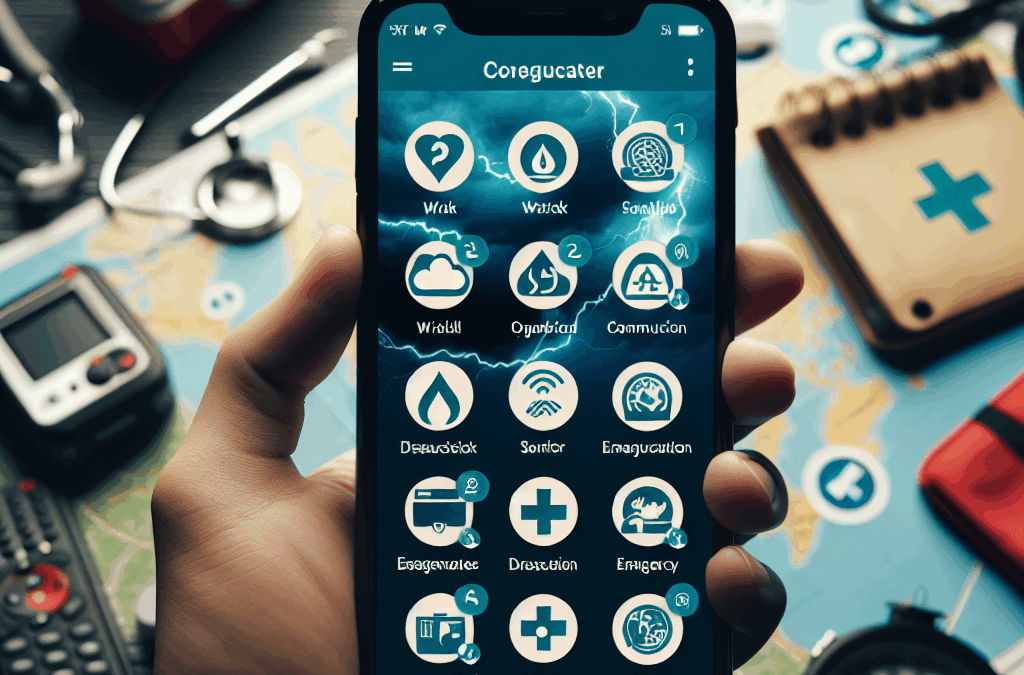
When a disaster strikes, time is of the essence. Real-time alerts are vital to keeping us informed about what’s happening as events unfold. Personally, I’ve found that notifications can make all the difference in how I prepare and respond. If a tornado warning comes through, I want to know instantly so I can take action.
Many apps today leverage GPS technology to deliver alerts specific to your location. This means, for example, if you’re in a flood zone, you’ll be alerted about worsening conditions before anyone else in a different area. This localized information isn’t just convenient; it’s crucial.
In my experience, being proactive rather than reactive saves lives. So, ensuring you have an app that gives you real-time updates on disasters is no longer a nice-to-have—it’s a must.
Top Apps for Alerts
Among the myriad of applications out there, a few stand out. For instance, the FEMA app is fantastic for federal alerts and puts safety tips at your fingertips. On the other hand, alerts from AccuWeather and The Weather Channel can provide localized storm warnings that are invaluable.
Social media platforms like Twitter have also become unofficial but sometimes reliable sources for real-time updates. Following local news stations and governmental agencies can fill gaps and provide a community feel to the updates.
Thank you for reading this post, don't forget to subscribe NOW for FREE!

Whichever app you choose, make sure they can deliver timely warnings to your device. I’m always tweaking my settings to make sure I won’t miss a beat when matters get serious.
Customization for Individual Needs
Not everyone has the same needs during a disaster, and that’s where customization comes in. Some folks only want alerts when a natural disaster is imminent, while others may follow local emergencies like wildfires or even civil unrest.
Apps that allow you to pick which alerts you receive are invaluable to me. They help cut through the noise, so I only get the most relevant updates without being overwhelmed. I always check the settings on my apps to tailor notifications just the way I like them.
In the end, your app should not just serve a purpose but fit seamlessly into your lifestyle—making your life easier rather than adding to the chaos.
Community-Based Updates
The Strength of Local Knowledge
One of the best things about community-driven platforms is that they bring together information from those right in the thick of it. I’ve found that a local resident’s experience during a disaster often delivers insights that official alerts might miss.
Platforms like Nextdoor or Facebook groups can be lifesavers during emergencies. I remember being in a flood situation where my neighbors were posting real updates about road conditions and where to find sandbags. It was that community knowledge that helped keep me safe.
Not to mention, the camaraderie established during a crisis can help ease anxiety. Having a network of people sharing updates can instill a feeling of solidarity, making you feel less isolated during a scary time.
Sharing Information Quickly
During disasters, time is money—or in this case, safety. The critical nature of sharing information quickly can’t be overstated. I’ve had instances where knowing about road closures or available shelters made a massive difference in my decision-making.
Apps that facilitate quick and easy sharing of updates help combat misinformation and keep us in the loop. It’s essential that we share accurate information as quickly as possible to help others, not just ourselves.
Whether you’re forwarding news articles or sharing your insights, immediate communication can significantly reduce panic and keep the community informed.
Establishing Trust in Communication
It’s crucial to have apps that you trust during emergencies. Misinformation can spread like wildfire, especially during a disaster when fear and confusion reign. I’ve learned to stick to well-known, reputable sources that have a track record of reliability in times of crisis.
Additionally, familiarizing myself with who’s behind the apps I’m using adds a layer of security. I’m always on the lookout for apps developed by governmental agencies or established organizations that have the means to provide essential updates.
Building trust in communication tools can significantly influence how efficiently you react to disaster alerts. It’s worth the time to research ahead of time so that when an emergency does hit, you can react clearly and confidently.
Offline Accessibility
The Need for Offline Features
I’ve personally encountered connectivity issues during disasters more than once. Standing in the aftermath of a storm with no phone service made me realize just how valuable offline features are. One app that’s saved me during past emergencies is one that downloads essential information ahead of time.
Offline maps, emergency contact lists, and checklists can be incredibly useful if the power goes out or if cell towers are overloaded. Knowing I can access essential information without internet provides a sense of security that’s hard to quantify.
Some apps, like the Red Cross emergency app, allow you to download safety tips and first aid guides for offline use. That kind of planning ensures I can still be resourceful even when technology lets me down.
Preparing Ahead of Time
Preparation is key for ensuring you are set during a disaster, and that preparation often includes downloading and setting up your apps in advance. I always make it a point to download emergency apps before the storm systems roll in.
Taking into account battery usage is also crucial. I learned the hard way during a hurricane when I needed my phone for updates, but my battery was drained after continuous use. Utilizing features that allow apps to work in low-power mode has been a game-changer.
The more steps we take in preparation, the better we can handle whatever circumstances come our way. It’s about minimizing risks and ensuring we can respond effectively.
Integration with Other Safety Tools
Connecting Multiple Tools
In my experience, the best approach to disaster preparedness is using an arsenal of tools in synergy. I love apps that can connect directly with my home security system or emergency services for added peace of mind.
For example, if I have a connected smart home device that can send alerts to my phone, I instantly have the capability to receive updates while I’m on the move. Those connections bolster my sense of safety knowing that I’m informed even when I’m away from home.
Furthermore, integration between apps means I can funnel all information in one place. It helps simplify the chaos of information that is often present during a disaster.
Emergency Contacts and Network
Having a dedicated app that helps me coordinate with family and friends during a crisis is invaluable. I like to use apps that allow me to create a network of emergency contacts, ensuring my loved ones can check in easily.
Being able to share location data with trusted friends or relatives gives everyone that extra layer of reassurance. I’ve often designated a “safe word” or signal that everyone in my network understands, which makes communication smoother.
Establishing who will be responsible for which updates can ease the burden when disaster strikes. You’re not relying on just one person in the group; everyone can pitch in, keeping the lines open and effectively communicating.
Feedback and Continuous Improvement
Lastly, a tool’s efficacy relies heavily on user feedback. Many of the apps I use have a feature for reporting issues or difficulties that I find helpful. When developers listen to users, they continue improving the experience, making it better for everyone.
After a disaster is a great time for me to assess which apps I found beneficial and which could be improved. I often send feedback to app creators so they know what works and what doesn’t, and I encourage others to do the same.
Creating a circle of continuous improvement means our tools evolve to meet our needs. This feedback loop can truly enhance your experience and contribute to overall community safety.
Frequently Asked Questions
1. Why are real-time alerts crucial during disasters?
Real-time alerts keep you informed about imminent dangers, allowing for quick responses that can save lives. They help people make urgent decisions, whether to evacuate or seek shelter.
2. How can community-based updates be beneficial?
Community updates provide first-hand accounts and information that may not be available from official sources, helping you make informed decisions based on actual conditions.
3. What features should I look for in disaster communication apps?
Look for features like real-time alerts, offline accessibility, customization options, and integration with other safety tools to ensure you’re fully prepared for emergencies.
4. How can I ensure information accuracy during a disaster?
Stick to trusted apps and official channels for updates. Verify information through multiple sources to avoid falling victim to misinformation.
5. What should I do if I can’t access the internet during a disaster?
If you can’t access the internet, having offline features like stored maps, emergency contacts, and safety guides will be vital. Download these ahead of time to prepare for potential outages.